The Pantheon Membership
What becoming Elevated unlocks, and how to manage or cancel your membership.
What the Pantheon is
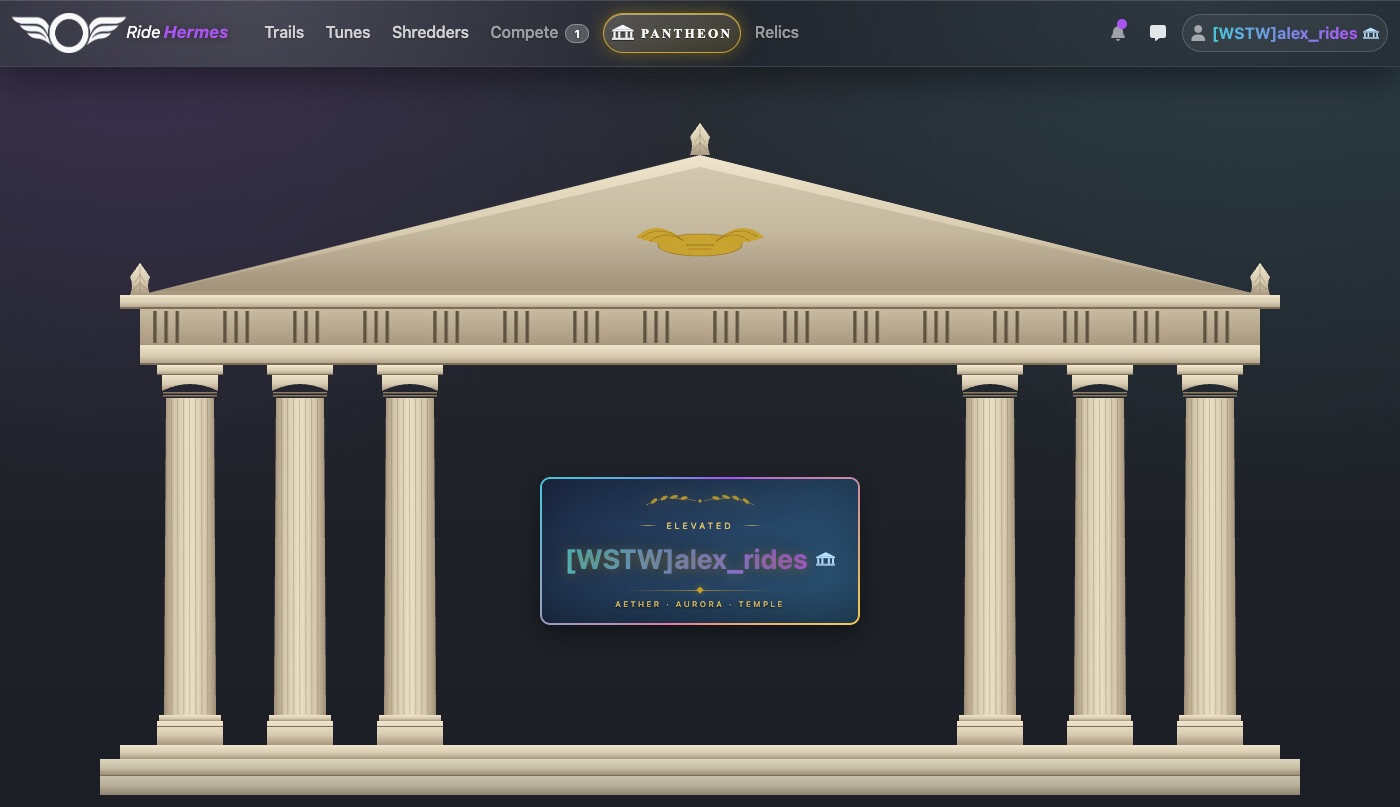
The Pantheon is Ride Hermes' paid membership. Members are called Elevated. You'll see the Pantheon hub on the website at Pantheon and in the app's menu under Account > Pantheon.
There are two plans, Monthly and Annual. The prices are shown on the plan picker, along with how much you save by paying annually.
The core of Ride Hermes stays free for everyone: recording rides, trails and leaderboards, seasons, rankings, your rider rating, the Tune Archive and your profile.
What membership unlocks
For Pantheon members| Perk | What you get |
|---|---|
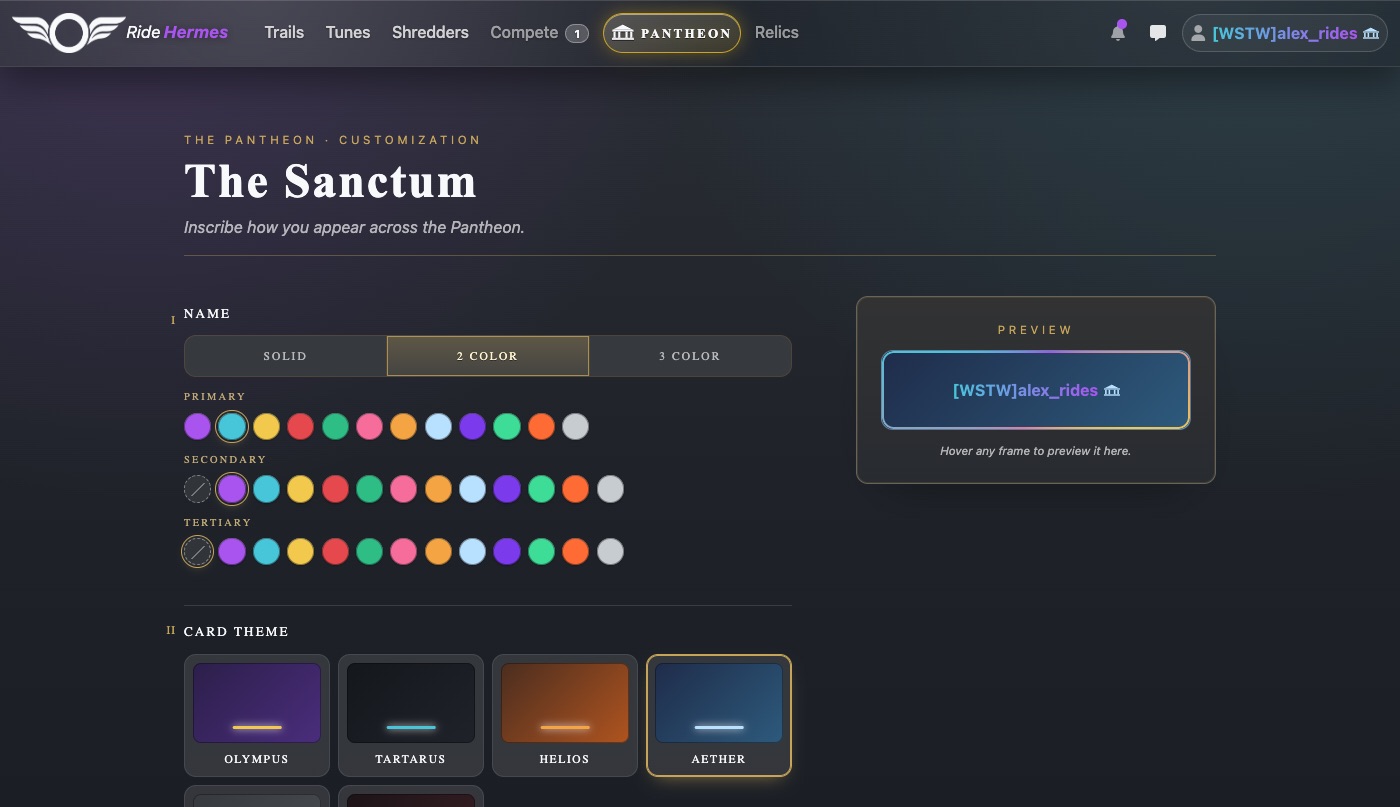
| The Sanctum | Style your name, and choose a card theme, card frame and glyph. They show everywhere your name and rider card appear. |
| Squads | Create, join and run a squad. See Squads. |
| Trail Comparer | Compare attempts on a trail side by side: speed changes and how the gap moves along the trail. |
| Leaderboard Snapshots | See how riders climbed a trail or season leaderboard over time, with the full standings for every snapshot. |
| Season customizations | If you manage a season: custom leaderboard filters, Enduro scoring, per-trail schedules and season rewards. |
| Members-only store items | Buy items and bundles marked Pantheon in the Relic Store. |
| Bonus credits | Credits paid into your balance automatically while your membership is active. |
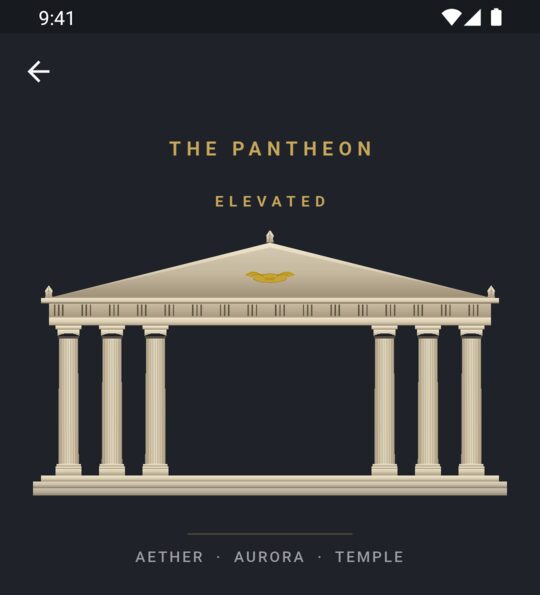
Customizing your look in The Sanctum
For Pantheon membersOpen The Sanctum on the website, or tap The Sanctum on the Pantheon hub in the app. A live Preview shows the result as you go.
| Section | Choices |
|---|---|
| Name | A solid color, or a two- or three-color gradient. |
| Card theme | Olympus, Tartarus, Helios, Aether, Elysium or Chthonic. |
| Frame | Fifteen card frames, from Clean to Hesperos. |
| Glyph | Caduceus, Winged Sandal, Lyre, Lightning or Temple. |
Select Save customization when you're done.
Frames you unlock
Some frames are locked until you've earned them. A locked frame tells you what you need to do:
| Frame | How to unlock it |
|---|---|
| Laurel | Take #1 on any trail leaderboard |
| Vow | Log 100 trail attempts |
| Kleos | Finish top 3 on a season overall board |
| Hesperos | Be on the Annual plan, or be a member for 1 year |
Becoming Elevated
In the app
- Open the menu and tap Pantheon.
- Choose Monthly or Annual.
- Tap Become Elevated and confirm with the App Store or Google Play.
You'll see Membership activated! when it's ready. If it says it's taking longer than expected, your purchase is safe. Check back in a moment.
On the website
- Sign in and go to Pantheon.
- Pick Monthly or Annual and select Become Elevated.
- Check the price, tick the box agreeing to the terms, and select Confirm purchase.
- Pay by card on the secure Stripe checkout page.
When you're done you'll land on Welcome to the Pantheon!, with your plan and next renewal date.
Managing, renewing and canceling
Your membership renews automatically at the end of each billing period until you cancel. Manage it where you bought it:
| Bought on | How to manage or cancel |
|---|---|
| App Store (iPhone) | In the app, open Pantheon, tap Manage Billing, then Manage in App Store. You can also use your Apple subscription settings. |
| Google Play (Android) | In the app, open Pantheon, tap Manage Billing, then Manage on Google Play. |
| The website | Go to Pantheon and select Manage Billing to open the Stripe billing portal, where you can update your card or cancel. |
When you cancel, your perks stay active until the end of the period you've already paid for.
Restoring an app purchase
If you reinstalled the app or changed phones, open Manage Billing and tap Restore Purchases. If your membership doesn't show up, email support@ridehermes.app.
The full rules are in the Subscription Terms and Refund Policy.
When your membership lapses
If you cancel, or a payment fails and isn't fixed, your perks end when your paid period runs out. The Pantheon hub then shows your membership as Lapsed.
What stops
- Your styled name, card theme, frame and glyph stop showing to other riders.
- You can't change your customization in The Sanctum.
- You can't create, join or manage squads.
- Trail Comparer and Leaderboard Snapshots lock again.
- Members-only season settings and members-only store items lock again.
- Bonus credits stop.
What you keep
- Your saved customization. It comes back as soon as you resubscribe.
- Frames you unlocked through riding (Laurel, Vow and Kleos).
- Every credit already in your balance, and every relic you've bought or earned.
- Your place in your squad.
To come back, open the Pantheon hub and resubscribe. Your look is reapplied straight away.